MySQL AI: Generate, Optimize & Validate SQL
SQL generators
6 powerful SQL generators for MySQL
Each tool does one job well. Pick the one that matches your task, then open it or read its dedicated page.
| Generator | What it does for MySQL | Open tool |
|---|---|---|
| Text-to-SQL | Turn plain-language questions into MySQL queries, including JSON functions, joins, and pagination. | Try free |
| SQL Optimizer | Speed up slow queries with index suggestions and fixes for costly joins, subqueries, and LIMIT/OFFSET pagination. | Try free |
| SQL Validator | Catch MySQL syntax errors in backticks, date functions, and GROUP BY rules, then return a corrected query. | Try free |
| SQL Explainer | Break down any MySQL query in plain language with a summary and inline, highlighted comments. | Try free |
| SQL Formatter | Reformat messy MySQL with consistent indentation and your preferred style. | Try free |
| SQL Converter | Translate queries between MySQL and PostgreSQL, SQL Server, BigQuery, and more. | Try free |
Every tool is free to try and works with your MySQL schema.
Helper tools
Get more out of your MySQL database with helper tools
Connect your data source and add a little context so generated queries stay accurate and consistent with your standards.
-
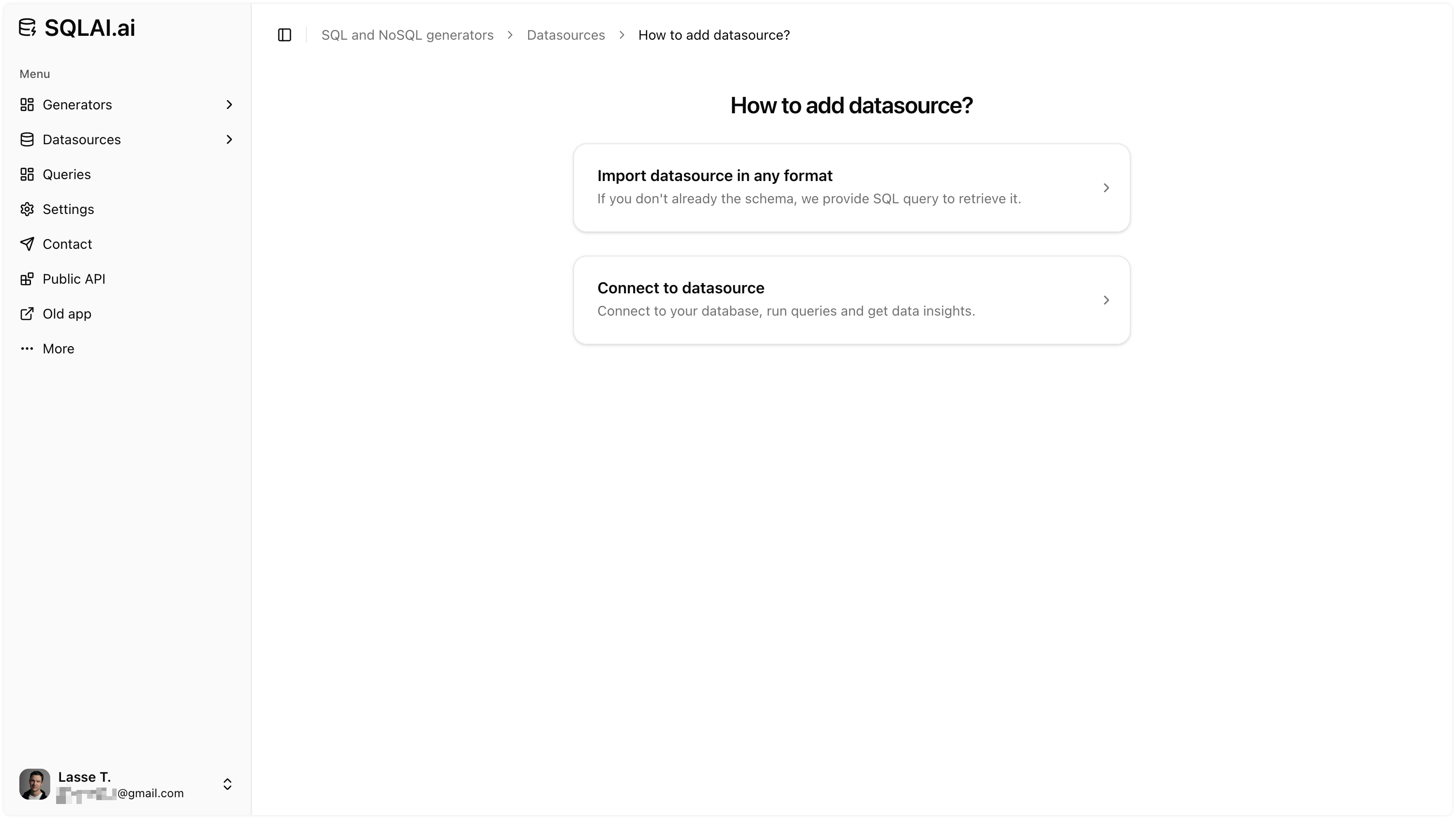
One-click schema import
Auto-import your MySQL tables and columns so AI generates schema-aware queries from the start.
-
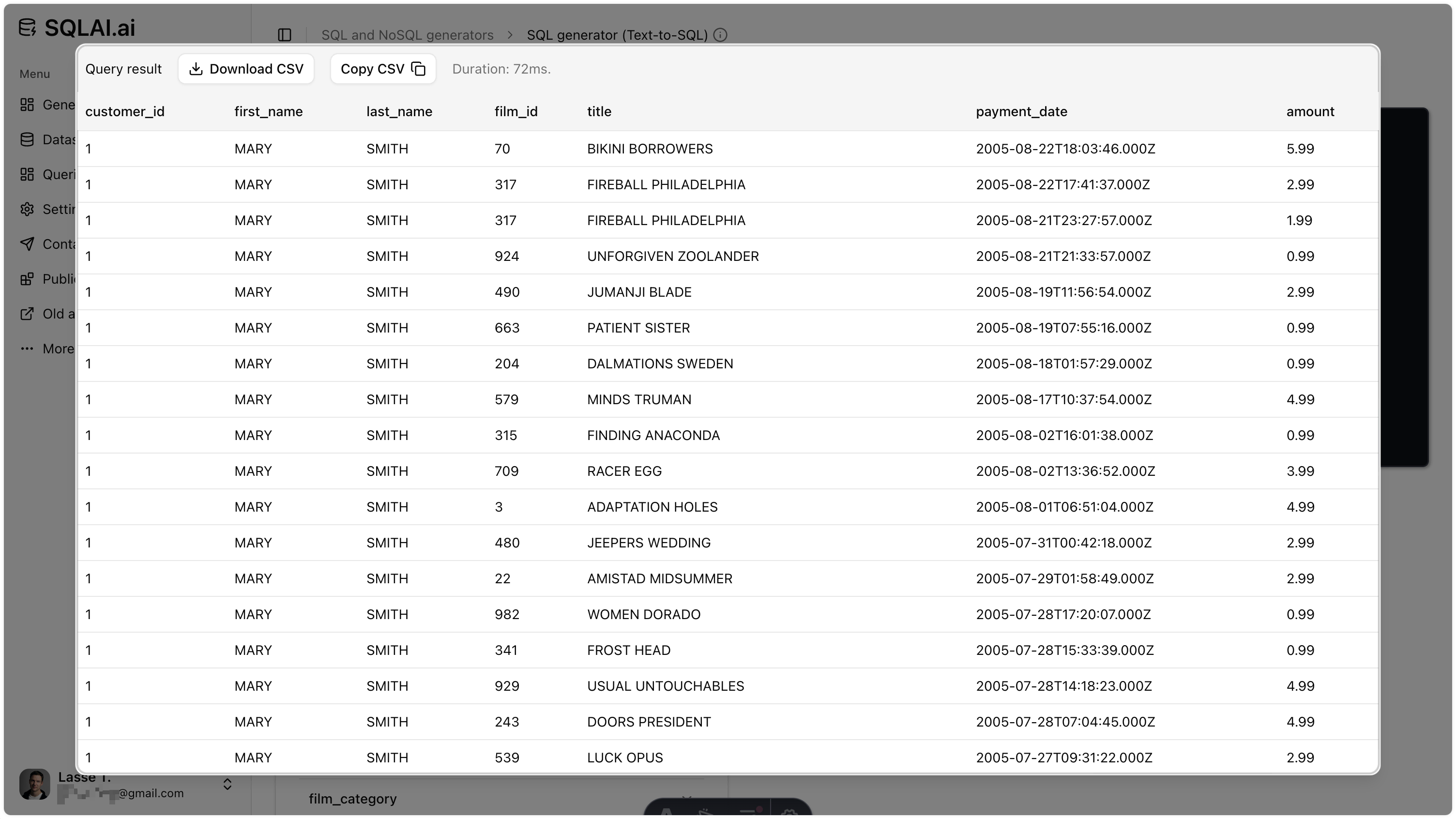
Run queries on live data
Connect a MySQL data source and run AI-generated queries to get answers without leaving SQLAI.
-
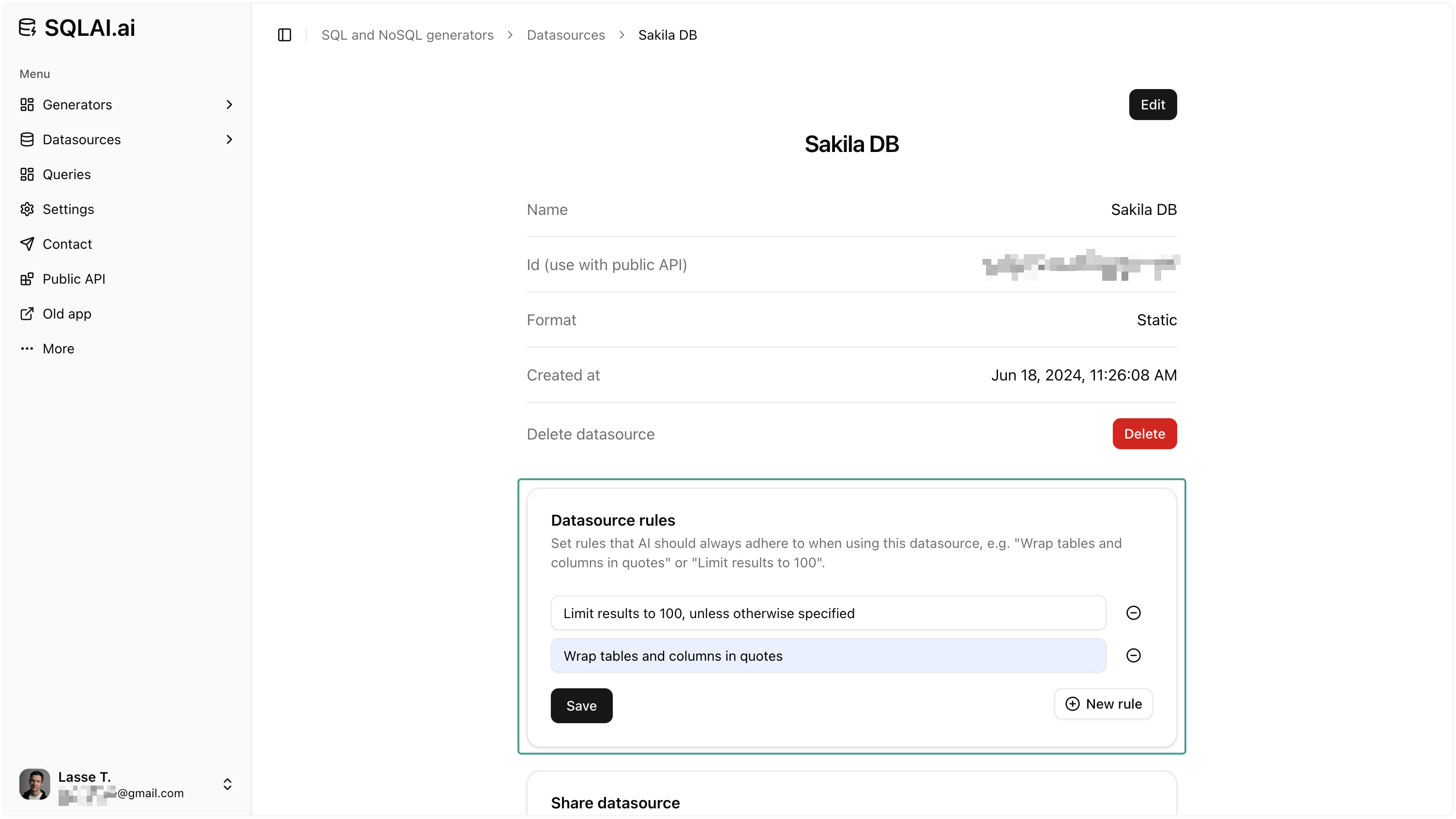
Data source rules
Set naming patterns, row limits, and conventions so every generated query matches your standards.
-
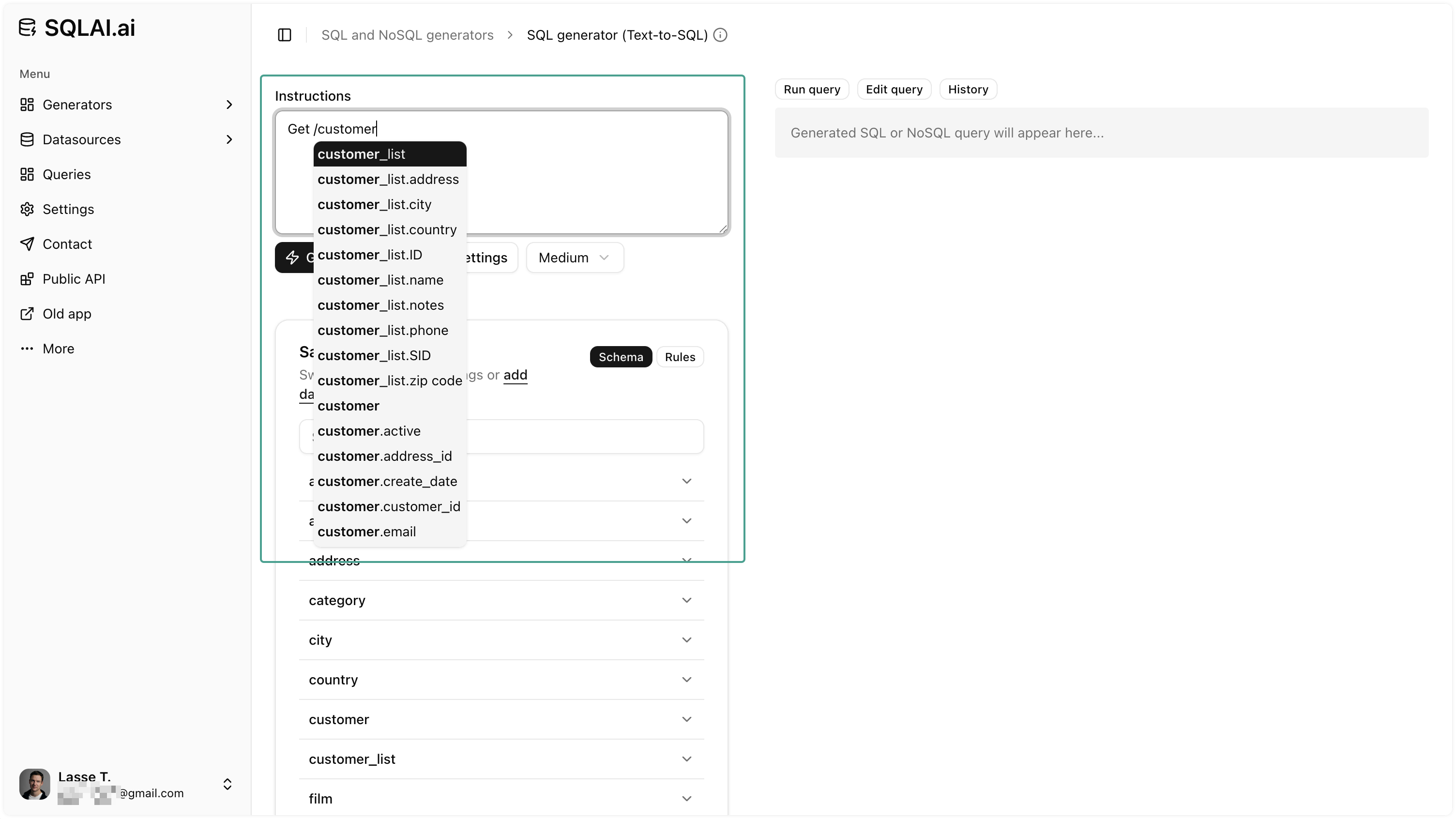
Schema autosuggest
Autocomplete tables and columns while writing prompts to reference the right entities and cut naming errors.
FAQ
Quick answers about generating, optimizing, and validating MySQL SQL with SQLAI.ai.