Trino SQL (AWS Athena) AI: Generate, Optimize & Validate SQL
SQL generators
6 powerful SQL generators for Trino
Each tool does one job well. Pick the one that matches your task, then open it or read its dedicated page.
| Generator | What it does for Trino | Open tool |
|---|---|---|
| Text-to-SQL | Turn plain-language questions into Trino SQL for Athena, including UNNEST, window functions, and cross-source joins. | Try free |
| SQL Optimizer | Speed up slow queries and cut data scanned with fixes for partition pruning and costly joins. | Try free |
| SQL Validator | Catch Trino SQL syntax errors in casts, UNNEST, and date functions, then return a corrected query. | Try free |
| SQL Explainer | Break down any Trino or Athena query in plain language with a summary and inline, highlighted comments. | Try free |
| SQL Formatter | Reformat messy Trino SQL with consistent indentation and your preferred style. | Try free |
| SQL Converter | Translate queries between Trino and PostgreSQL, BigQuery, Snowflake, and more. | Try free |
Every tool is free to try and works with your Trino schema.
Helper tools
Get more out of Trino with helper tools
Add your schema and a little context so generated queries stay accurate and consistent with your standards.
-
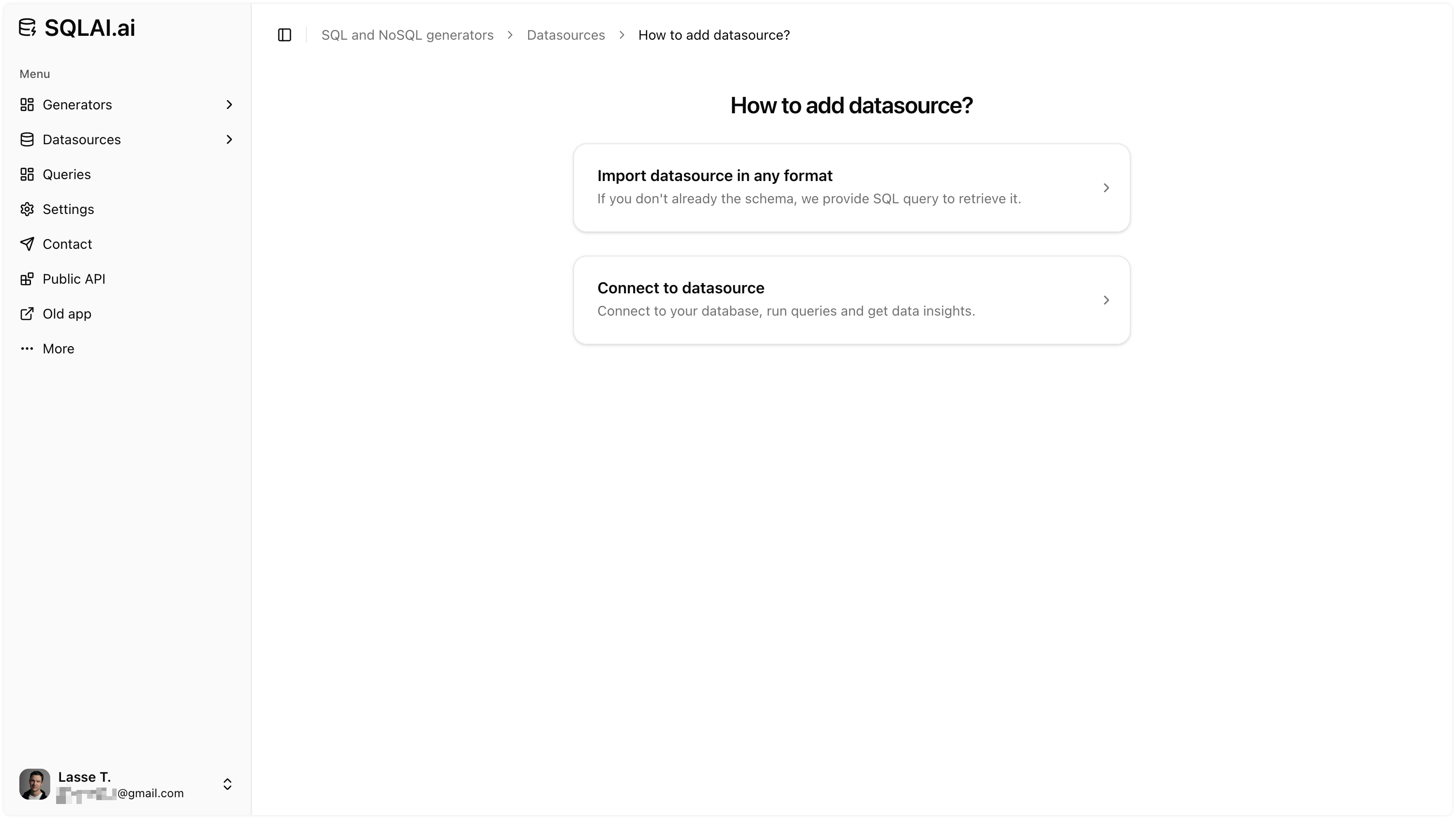
One-click schema import
Import your Trino tables and columns so AI generates schema-aware queries from the start.
-
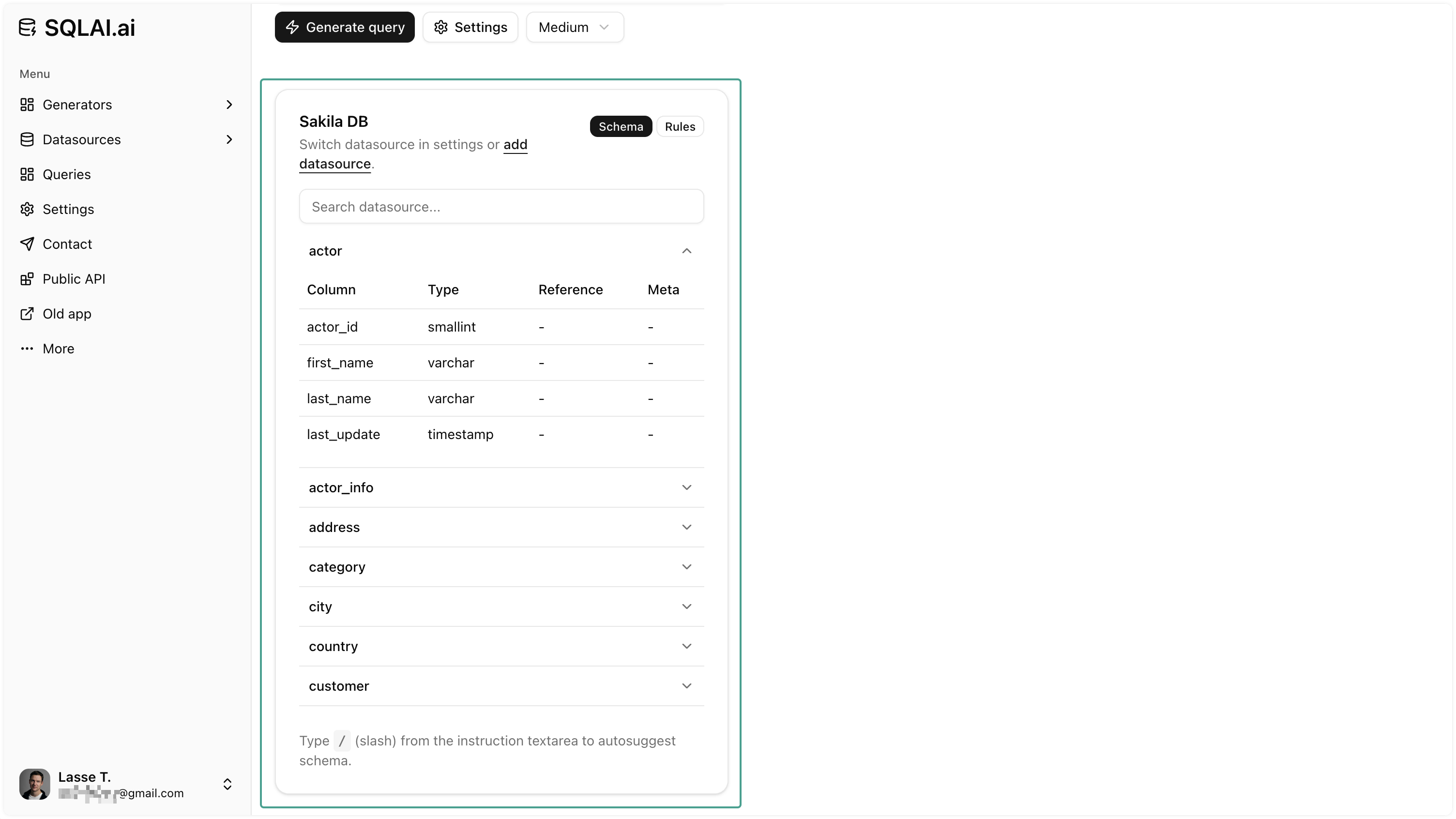
Work without a live connection
No live connection required: add your Trino schema or paste an existing query and AI works from that context.
-
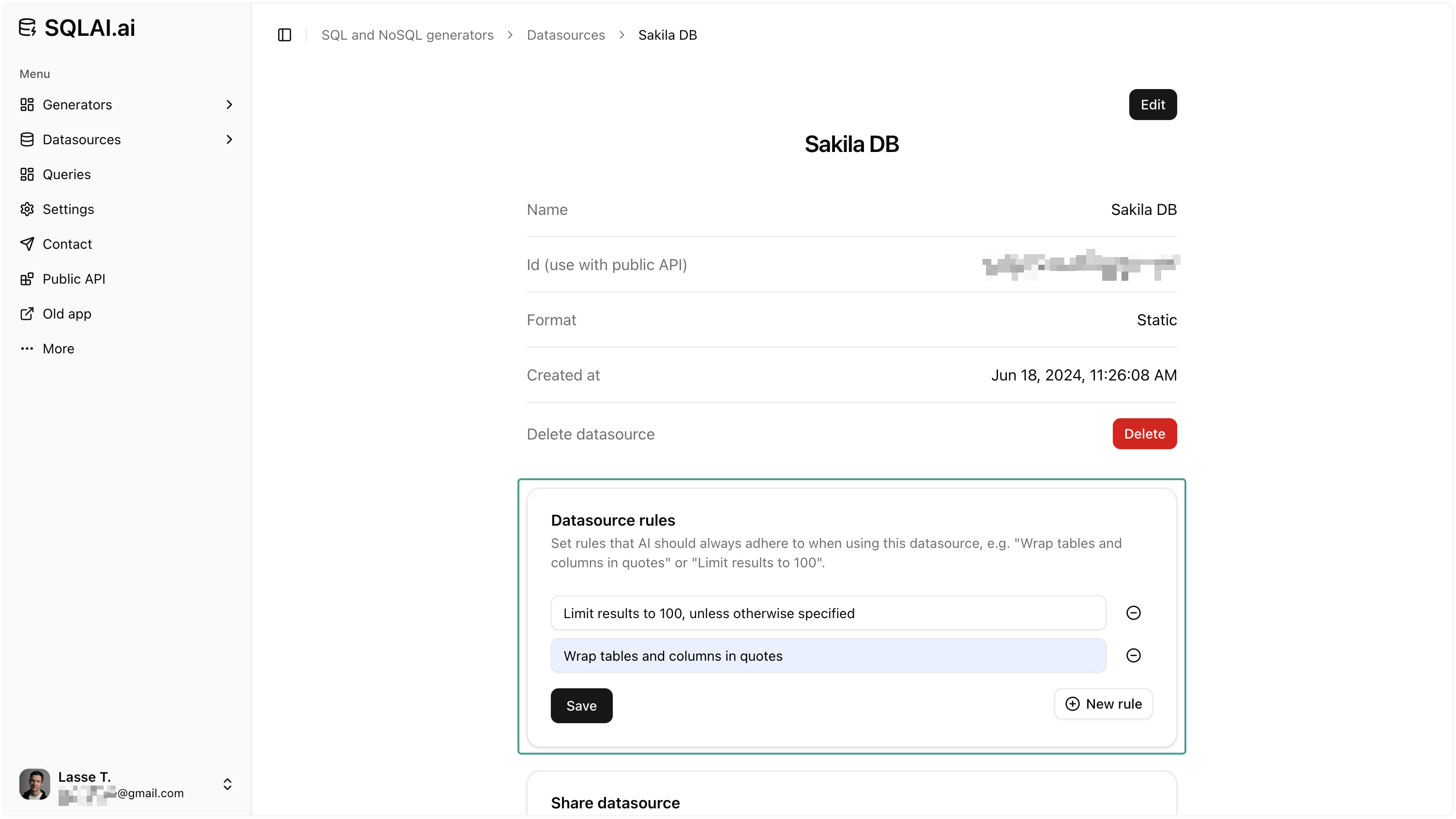
Data source rules
Set naming patterns, row limits, and conventions so every generated query matches your standards.
-
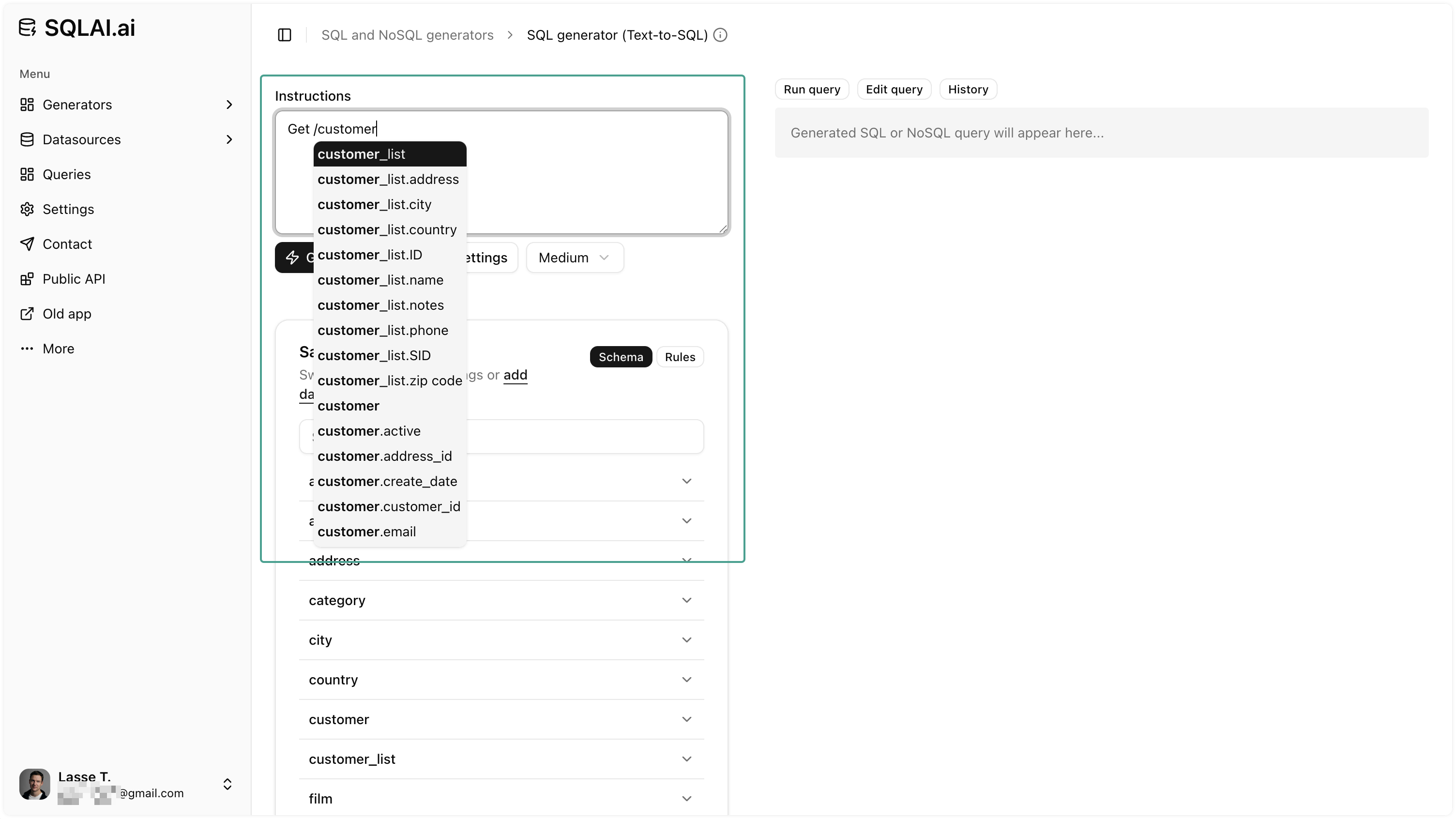
Schema autosuggest
Autocomplete tables and columns while writing prompts to reference the right entities and cut naming errors.
FAQ
Quick answers about generating, optimizing, and validating Trino SQL with SQLAI.ai.